Power Apps Licensing in 2026: The Buyer’s Guide for Teams Who Just Want a Straight Answer
Power Apps licensing is one of the biggest reasons good app ideas stall.
Not because the platform lacks value. Because buyers are tired of unclear answers, moving SKUs and surprise costs that appear after the app is already live.
Power Apps licensing has a reputation problem.
Ask a business leader what they want from an internal app and the answer is usually simple: less spreadsheet chasing, fewer manual approvals, cleaner reporting, better visibility.
Ask what it will cost to build and run that app in Power Apps, and the conversation often becomes much less simple.
Does everyone need a licence?
Is this included in Microsoft 365?
Is SharePoint fine, or do we need Dataverse?
Does one premium connector change the whole model?
What happened to per-app licensing?
Why did the prototype work if the production version now needs Premium?
These are not silly questions. They are exactly the questions buyers should ask before they commit budget.
The problem is that too many licensing explanations start from Microsoft product language rather than business reality.
So let’s make it practical.
The first rule: licence the operating model, not the prototype
A prototype is allowed to be small, rough and temporary.
A production app is different.
A production app has users. It has data. It has permissions. It may need audit history. It may need automation. It may need to integrate with finance, HR, CRM or operations systems. It may need to sit inside a governed environment with proper admin oversight.
That is why licensing should be discussed at the design stage, not after the app is built.
The wrong way to approach Power Apps is:
“Can we build this quickly and figure out licensing later?”
The better question is:
“What is the cheapest sensible licensing model for the app we actually intend to run?”
Those two questions lead to very different outcomes.
The four questions that usually decide the answer
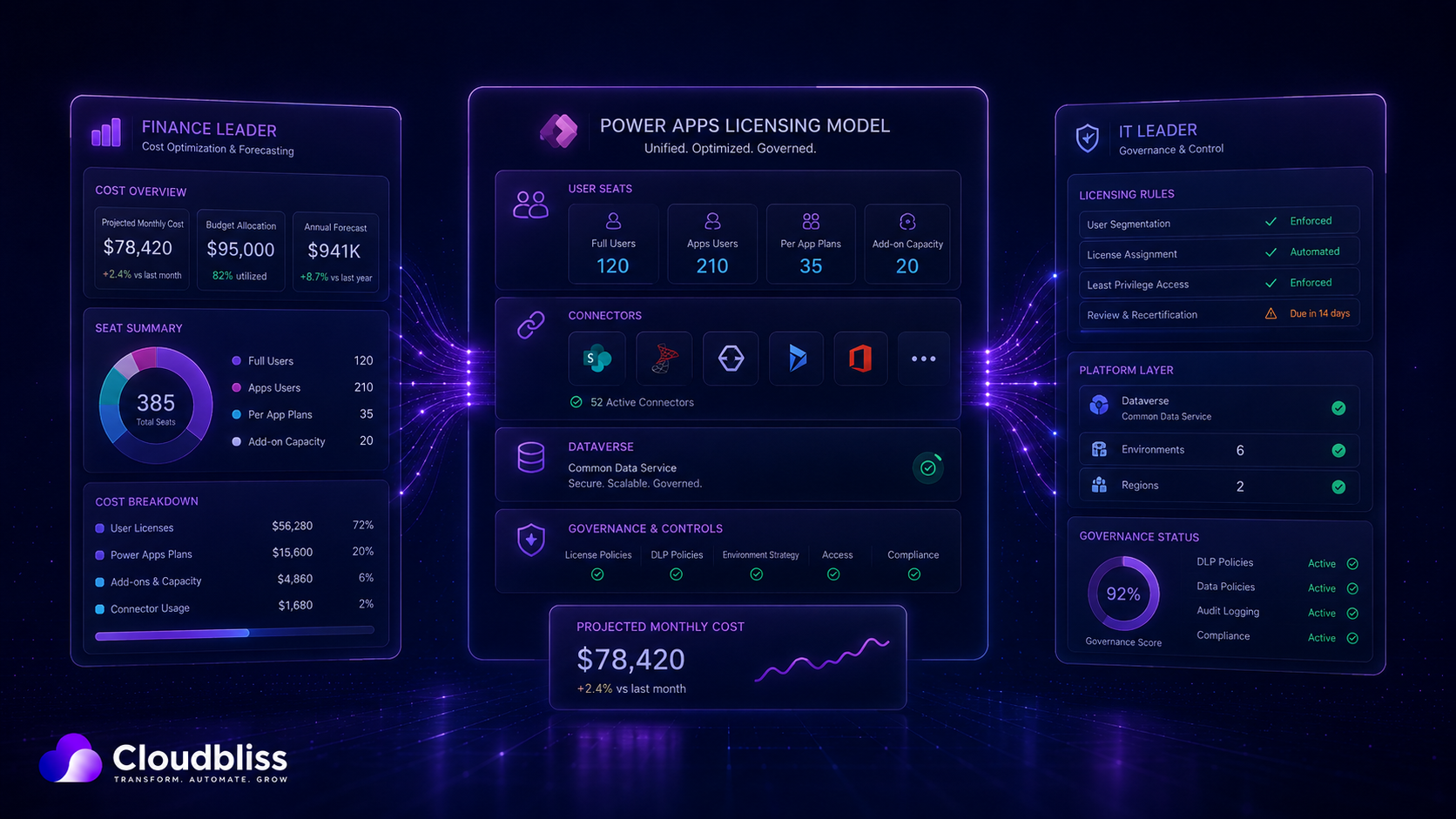
Power Apps licensing becomes much less mysterious when you answer four questions.
1. What data will the app use?
If the app is using standard Microsoft 365 services in a simple way, the cost profile may be low.
If the app needs Dataverse, premium connectors, external systems or more advanced data relationships, you are likely entering Premium territory.
This is not a bad thing. Premium can be absolutely worth it. But it needs to be designed into the business case.
2. How many people will use it?
A five-person finance app and a 250-person operational app are different commercial decisions.
For small, high-value user groups, Premium licences can be easy to justify. For wider usage, the design needs more care, because every unnecessary licence assumption gets multiplied.
3. How often will people use it?
A daily operational app is not the same as a once-a-quarter form.
Usage frequency matters because it changes the value case. If an app is saving a user 30 minutes every day, licensing is rarely the real issue. If it is used twice a year, the solution design needs to be leaner.
4. Does the app need formal governance?
If the app is business-critical, handles sensitive data or sits in a Managed Environment, licensing and governance need to be considered together.
This is where many organisations get caught. They want stronger control, but they have not modelled the licensing impact of that control.
The premium connector trap
One of the most common surprises is the premium connector.
A team builds an app that looks simple. The interface is clean. The workflow is sensible. Users like it. Then someone adds a connector to a system outside the standard Microsoft 365 rights, and suddenly the licensing picture changes.
The connector may be the right choice. It may unlock exactly the value the business needs.
But it should never be a surprise.
Before approving any Power Apps build, ask for a connector list. Not a vague description. A proper list of every system the app will connect to, with each connector classified as standard, premium or custom.
This one step prevents a lot of awkward conversations later.
SharePoint or Dataverse?
This is another decision that gets oversimplified.
SharePoint can be a perfectly valid data source for lightweight apps. It is familiar, quick and cost-effective. For many departmental tools, it does the job well.
Dataverse is better suited when the app needs stronger data modelling, relationships, role-based security, auditability, scale, business rules or more mature application lifecycle management.
The wrong approach is to use Dataverse for everything because it sounds more enterprise.
The equally wrong approach is to force everything into SharePoint because it feels cheaper.
The right answer depends on the app’s role in the business.
If it is a lightweight tracker, SharePoint may be enough.
If it is becoming a core operational system, Dataverse may be the cheaper decision in the long run because it reduces rework, fragility and support pain.
What changed in 2026?
The biggest buyer-level change is that the old Power Apps per-app licensing conversation is no longer as straightforward for new customers as it used to be.
That matters because many organisations were used to thinking in terms of a neatly bounded “per app” model. In 2026, the conversation is more focused on Premium, pay-as-you-go, capacity, and the wider Power Platform licensing model.
The practical takeaway is simple: do not base a 2026 business case on licensing assumptions from 2023.
If an old internal document says “we’ll just use per-app licences”, check it before building the financial case.
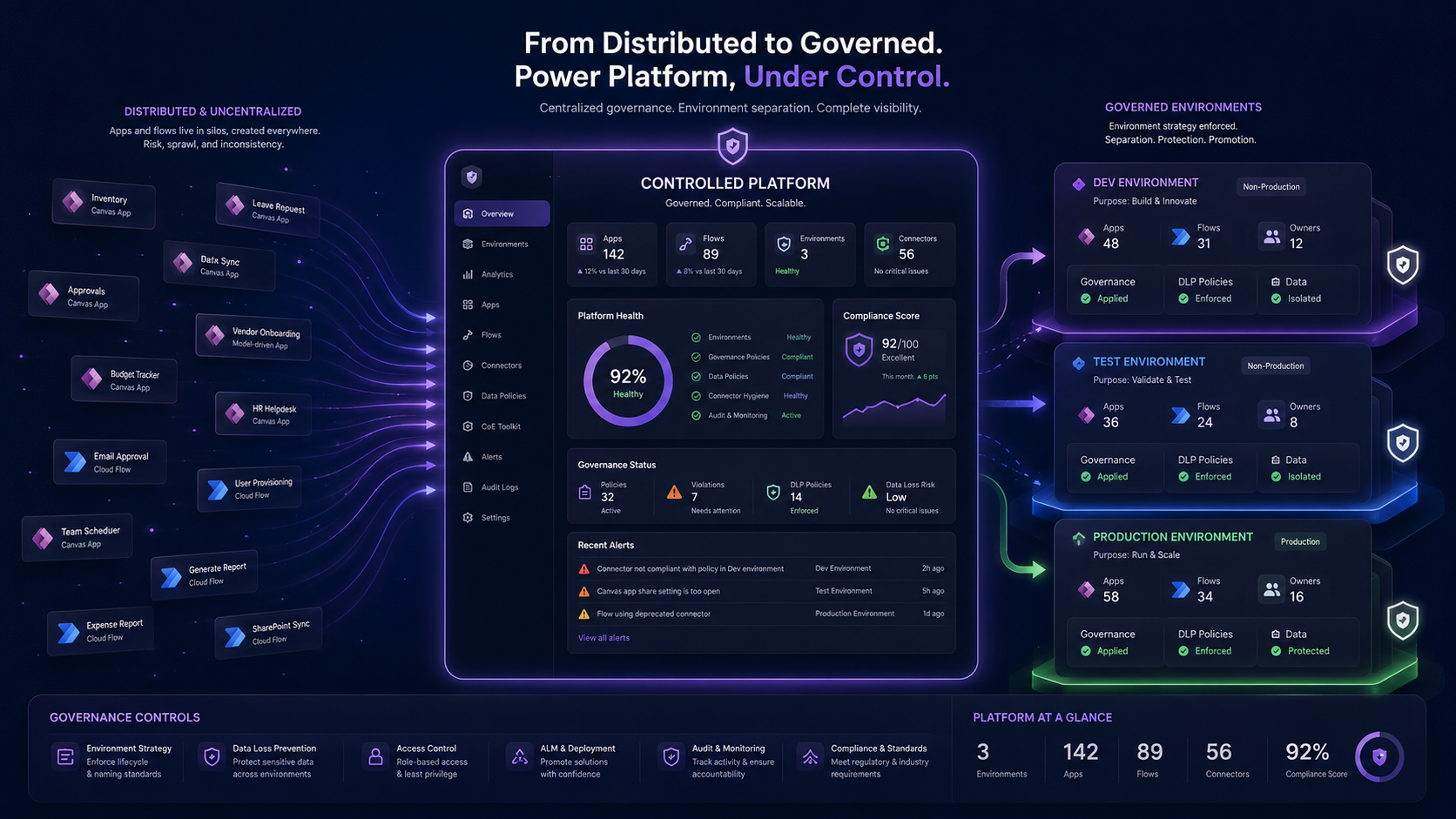
Managed Environments: good governance, but not free governance
Managed Environments are useful because they give admins stronger controls, visibility and governance features.
But they also need to be understood commercially.
If you enable stronger management across environments, you need to make sure the users and capacity are licensed appropriately. This is exactly the kind of decision that should be made deliberately, not discovered during rollout.
For some organisations, Managed Environments are absolutely the right move.
For others, the first step may be a lighter governance model, followed by Managed Environments once the estate has matured.
The point is not to avoid governance. The point is to match governance to value, risk and budget.
The buyer-friendly way to build a Power Apps business case
A good Power Apps business case should not start with the licence table.
It should start with the operational problem.
For example:
- How many hours are lost each month?
- How many people touch the process?
- What errors happen because the process is manual?
- What reporting is missing?
- What is the cost of delay?
- What risk is created by the current workaround?
Then you model the solution.
- Who will use it?
- What data will it touch?
- What connectors are required?
- What level of security is needed?
- What environments are required?
- What support model is needed after launch?
Only then should licensing be finalised.
That order matters because it keeps licensing in proportion. You are not asking, “Is this licence cheap?” You are asking, “Is the total solution a sensible investment?”
The mistakes that make Power Apps feel more expensive than it should
Most Power Apps cost problems come from avoidable design decisions.
Building before scoping
A fast build feels efficient until the app needs to be redesigned around licensing, security or data limitations.
Treating every app like a one-off
If every app is built from scratch, you lose the advantage of reusable patterns, components and governance.
Ignoring support
The first version of an app is not the end. Someone needs to maintain it, update it, manage permissions and fix issues when Microsoft or the business changes underneath it.
Overbuilding the first release
The best internal apps often start with a focused workflow, not a giant wish list. A smaller first release is easier to license, easier to adopt and easier to prove.
Underestimating adoption
If the app replaces a spreadsheet but nobody changes their behaviour, the licence cost is irrelevant. Adoption is where ROI is won or lost.
The CloudBliss view
Power Apps should not be sold as cheap software.
That undersells it.
Power Apps is best understood as a way to turn broken internal processes into controlled digital workflows without buying another disconnected SaaS tool every time something hurts.
Sometimes the right solution is a small app using standard Microsoft 365 capability. Sometimes it is a secure Dataverse-backed app with Premium licensing. Sometimes it is not Power Apps at all.
A good partner should be willing to say all three.
At CloudBliss, our job is not to force a licence model. It is to design the leanest solution that solves the business problem properly and can survive real-world use.
Final thought
Power Apps licensing is not impossible.
It is just unforgiving if you leave it too late.
Start with the business process. Map the users. Identify the data. Confirm the connectors. Decide the governance model. Then choose the licence path.
Do it in that order and the conversation becomes far less emotional.
Do it backwards and the app that was supposed to simplify work becomes another source of budget frustration.
If you are considering a Power Apps build and want a straight answer on licensing before you commit, CloudBliss can help scope the commercial and technical model upfront.
Book a short discovery call or ask for a fixed-scope Power Apps Solution Design Review covering users, data, connectors, environments, licensing exposure, delivery approach and support model.